Upload the finished song
Measure tempo, energy and structure. Add official lyrics when exact narrative alignment matters.
Turn your song into a music video. Plan your story with AI, choose your shots, and edit the final cut in one studio.
A real track, planned and made in OneCre.
Go from a conversation to a complete storyboard. Review the sequence, refine a scene, and choose what to bring to life.
 01
01A sunlit classroom sets the scene.
Intro · 5.0s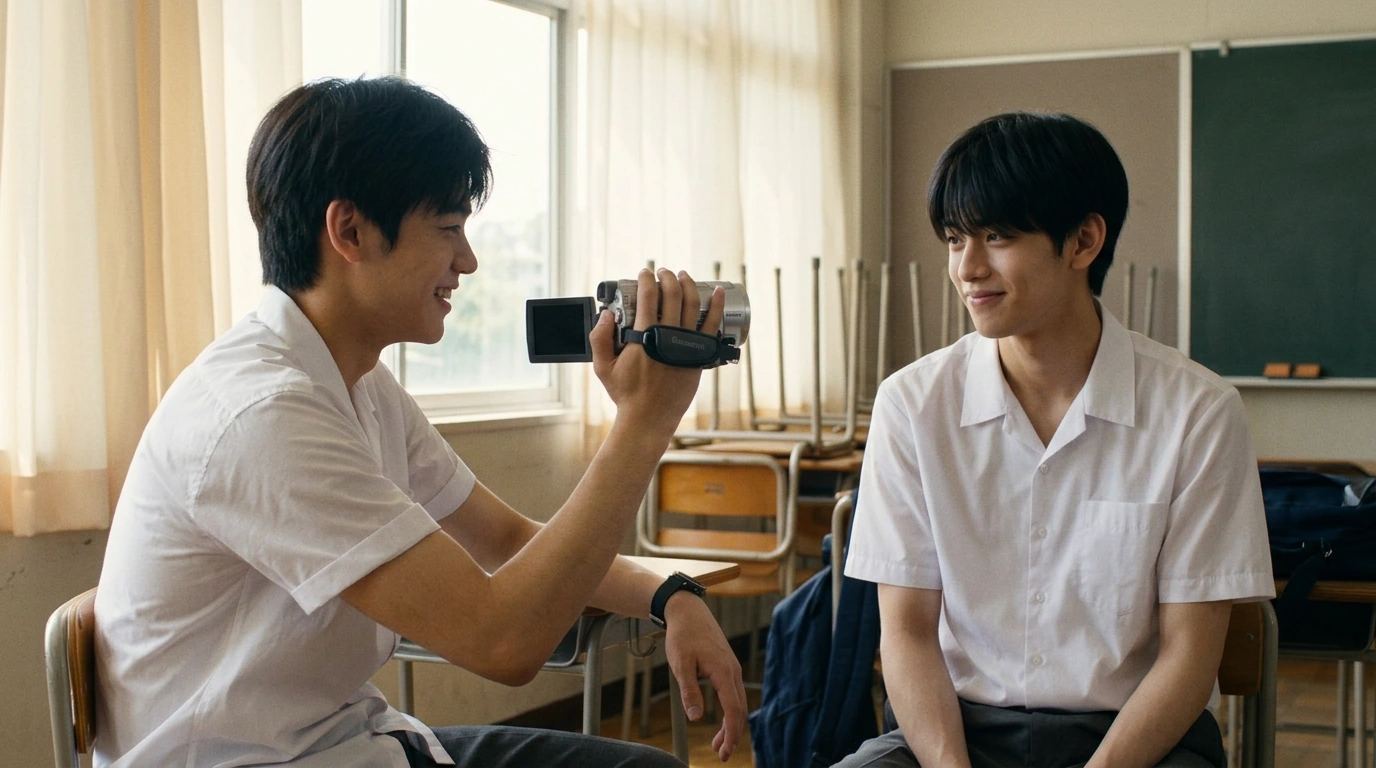 02
02MIN turns the camcorder toward his friend.
Intro · 5.0s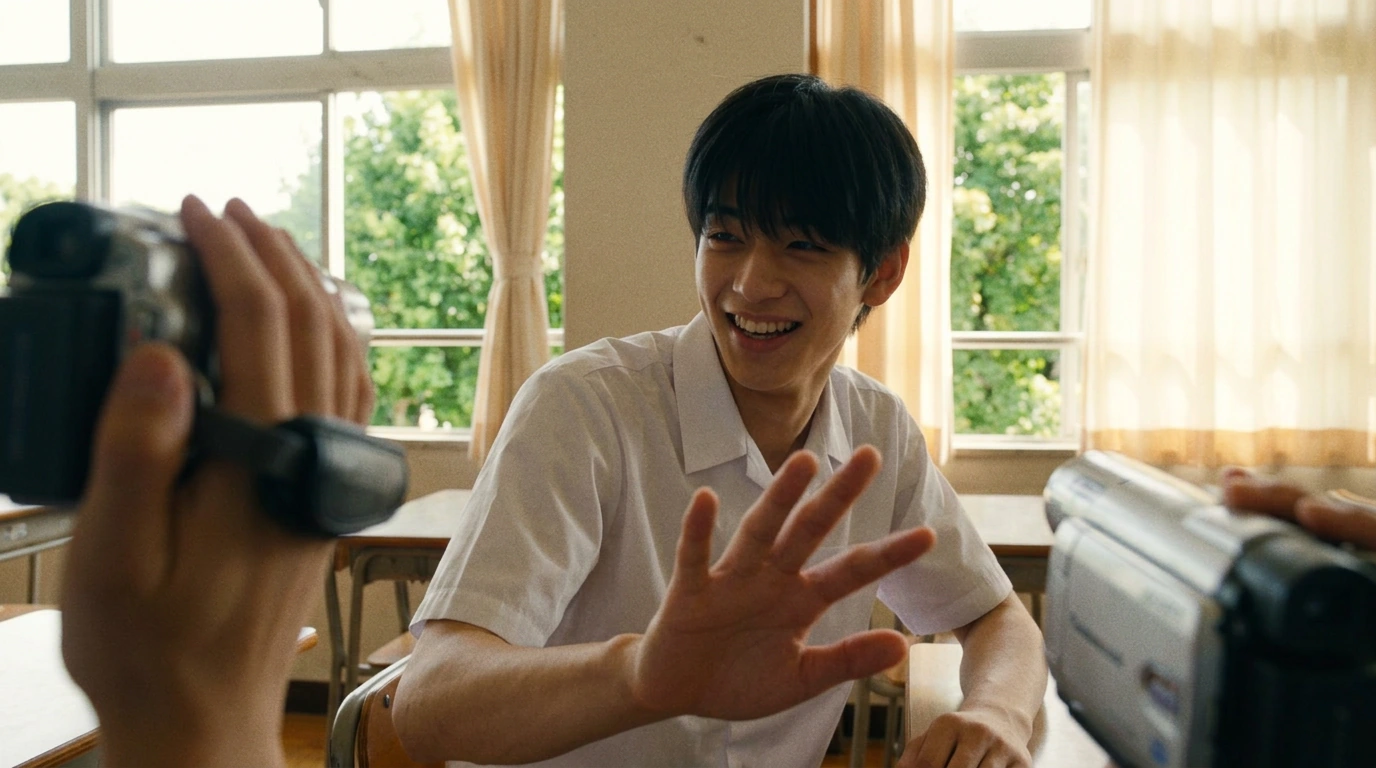 03
03JUN hides a smile from the lens.
Intro · 5.0s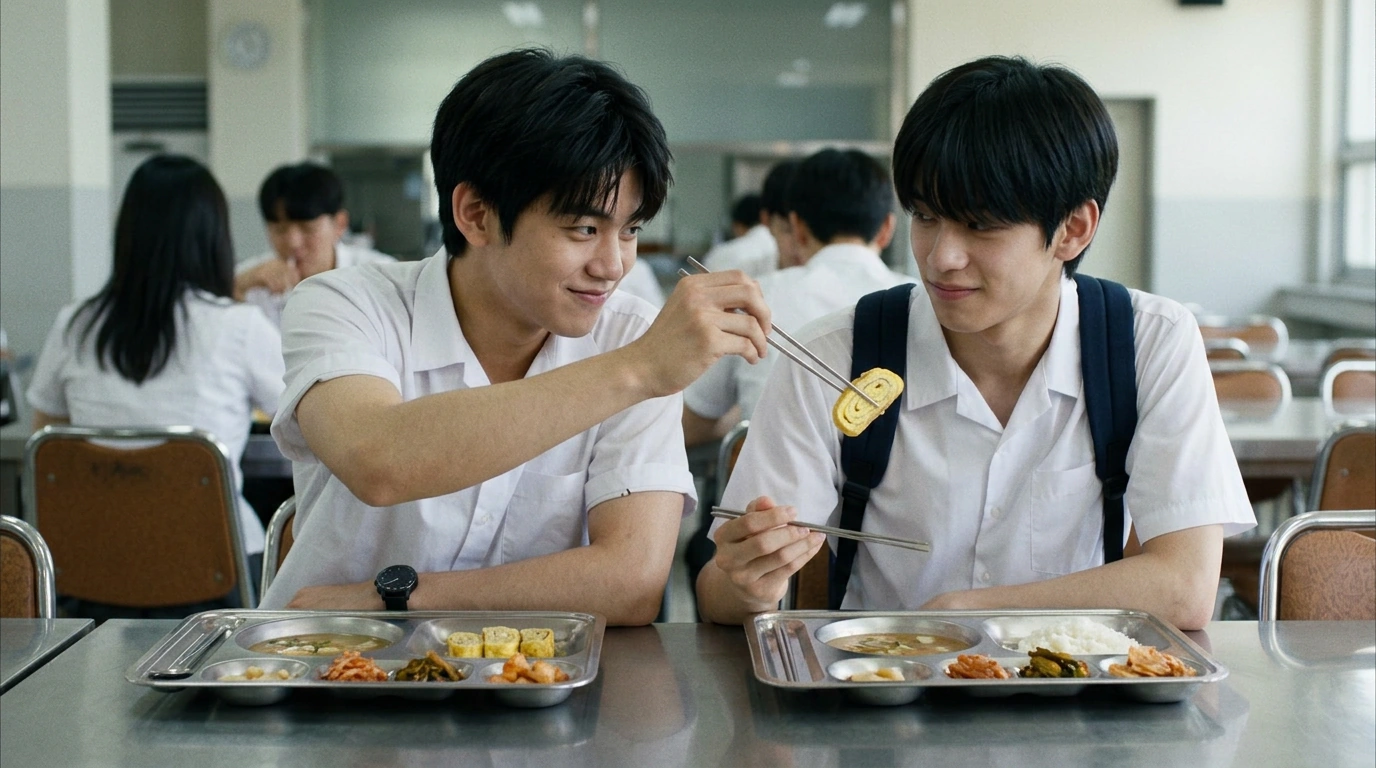 04
04A stolen bite at lunch breaks the ice.
Pre-Chorus 1 · 5.0s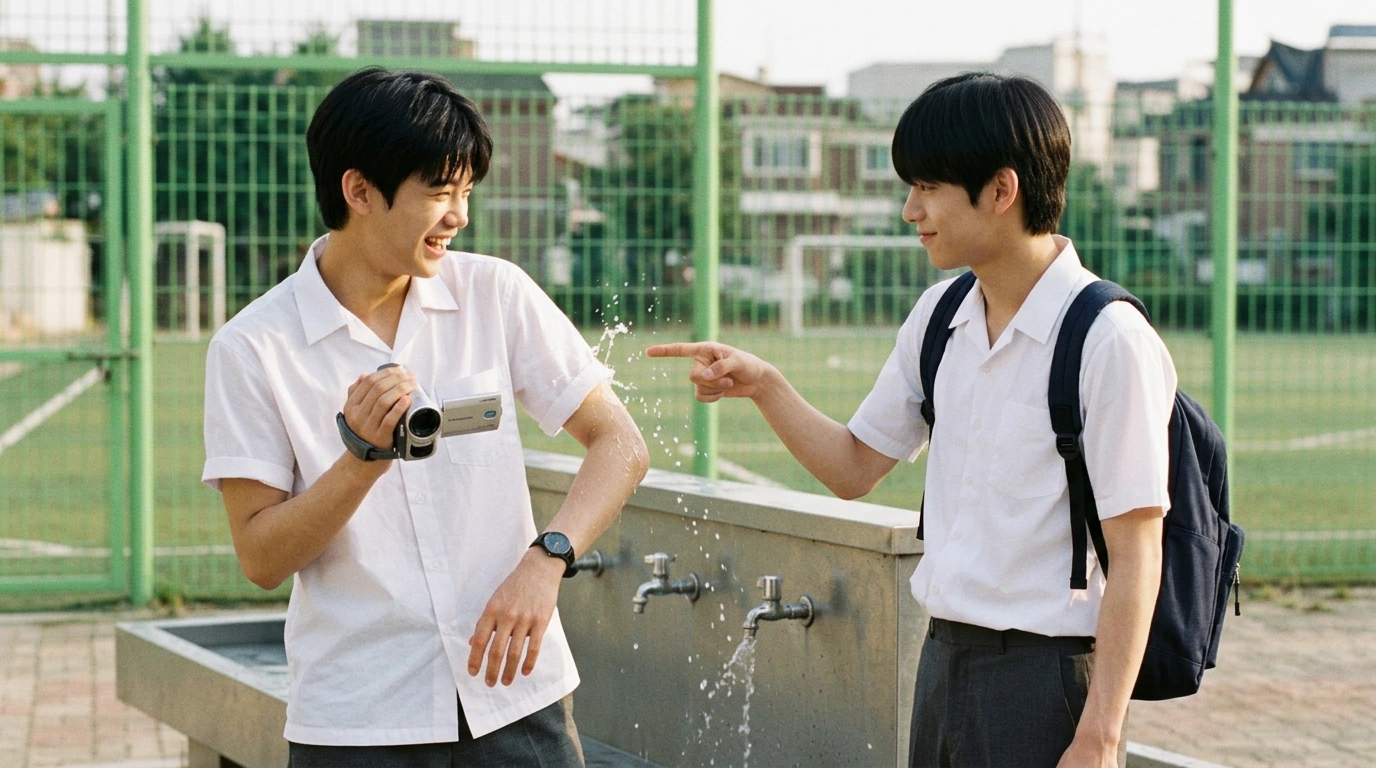 05
05An ordinary afternoon turns playful.
Pre-Chorus 1 · 5.0s 06
06A small detail carries the moment.
Pre-Chorus 1 · 5.0sActual frames generated in OneCre. Scene descriptions shortened for this preview.
The AI handles the first directing pass. You decide which story, style and shots deserve generation.
Measure tempo, energy and structure. Add official lyrics when exact narrative alignment matters.
Talk naturally about the story, artist, visual references, locations, symbols and ending.
Refine the story and preview your shots. Choose which scenes to animate before spending on video.
Animate approved shots, build a music-aware first cut, and export the video or individual assets.
Arrange your clips against the song, adjust the timing, and preview the sequence. Export when it feels right.
Explore the editor →Keep your characters close.
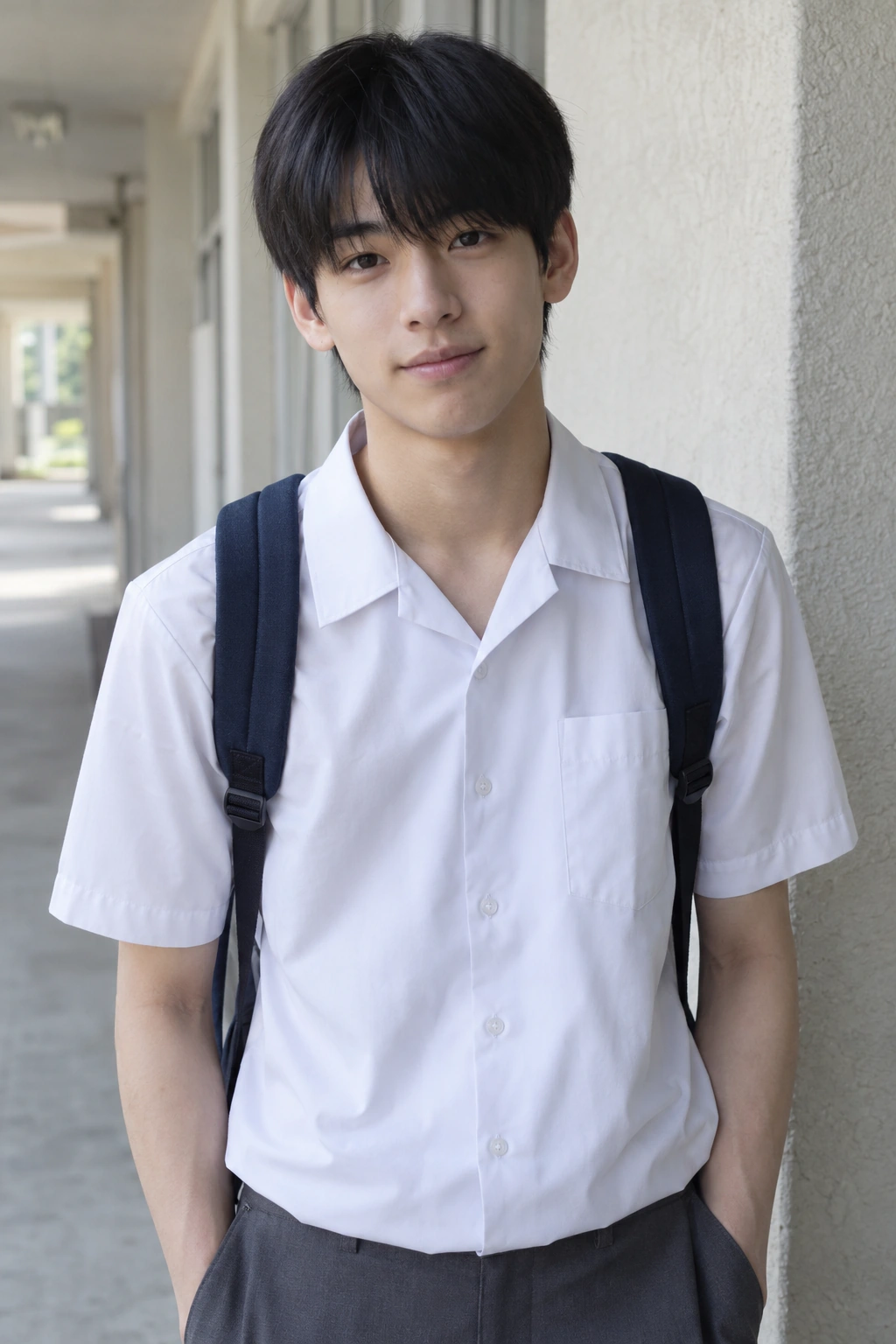 JUN✓ In current project
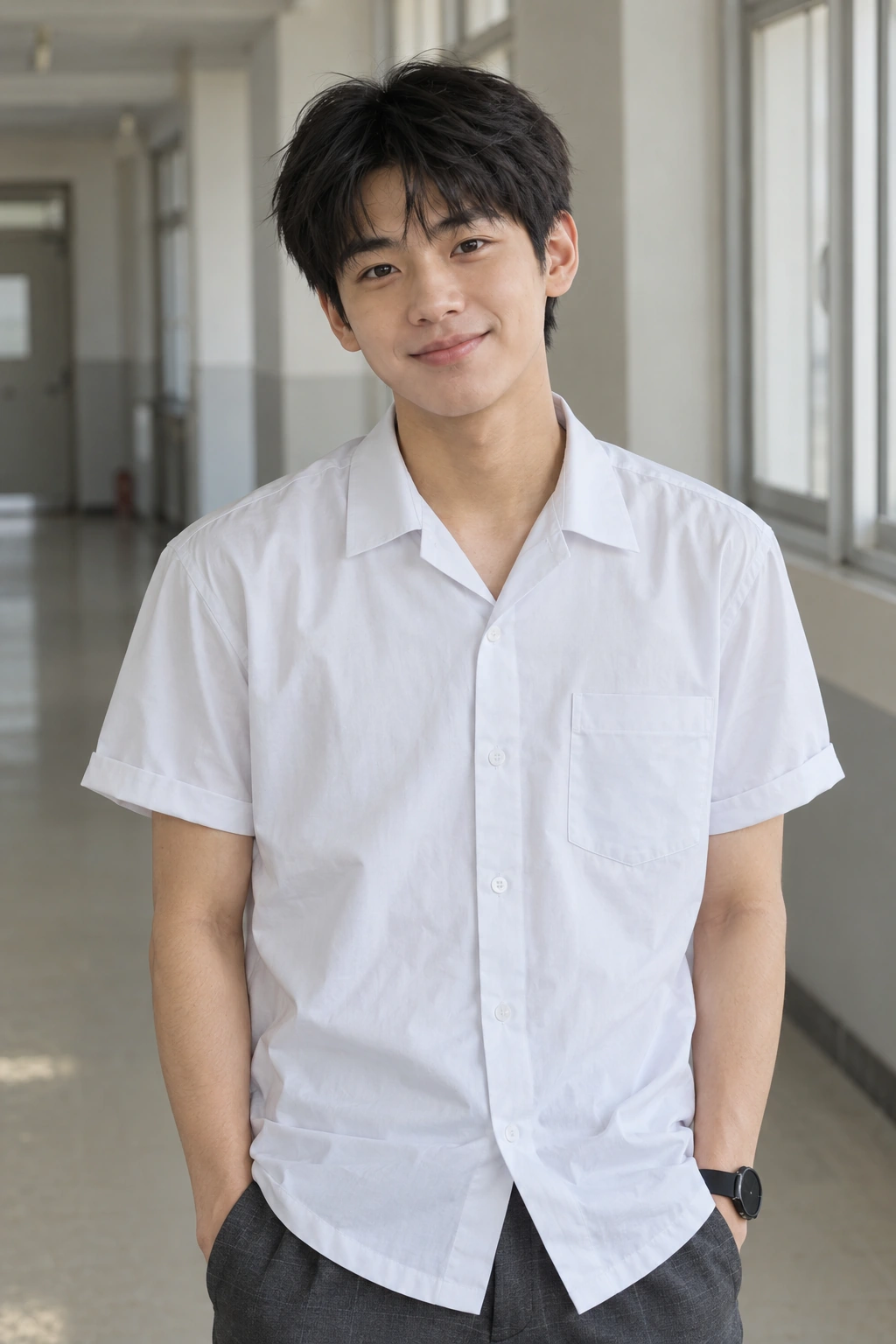 MIN✓ In current project
Save character references once and reuse them across projects. Optimized copies sync to your account, so your library can come with you to another browser.
Keep a backup from the original browser to preserve full image quality. Generating with character references uses credits.
Build your library →OneCre is open to independent artists who want more control than one-click generation and less friction than stitching together five different tools.
Try the workflow first. Buy credits when you want more images or motion. One-time packs, no subscription, and credits never expire.
45 standard preview images
Provided once per account, shared across projects. No card needed.
Start free →120 credits
For motion tests and a few animated scenes.
Open studio →500 credits
For selected scenes or a short music video.
Open studio →1,200 credits
More room for a full-song project and revisions.
Open studio →Character-reference images and all video generation use credits and are not included in the free previews.
Standard video: 20 credits per clip · Premium: 40 credits per clip. Image costs vary by model. You see the cost before generating; regenerating shots and trying more variations can increase the total.
Read the pricing FAQ ↓What musicians ask before making their first music video with OneCre.
OneCre is an AI music video generator for musicians. You upload a finished song, describe the film you imagine, and an AI director storyboards every scene from the track. You approve the shots you want, then OneCre generates video for those shots and edits them to the song's structure.
Each account gets 45 free standard preview images once, shared across projects. The allowance does not reset. After the free allowance, standard previews cost 1 credit each; high-quality images cost 3.
Images using character photos cost 10 credits per preview or 15 per high-quality image and are not included in the free allowance. Video clips cost 20 credits, or 40 for Premium.
One-time packs: Starter (120 credits) $2.99, Creator (500 credits) $9.99, Pro (1,200 credits) $19.99. No subscription or card needed to start.
You choose which images to turn into video, and only those video generations are charged. Paid image and video generations still use credits even if you leave the results out of your final edit. If a generation fails on our side, its credits are returned automatically.
OneCre does not claim ownership of your uploads or generated outputs. Commercial use depends on your rights to the inputs, the model terms and applicable law. AI outputs may not be exclusive or copyrightable. Review our Terms of Service before publishing.
MP3, WAV, M4A and FLAC. Upload the finished song. You can also add the lyrics so each scene follows the words being sung.
Most AI video tools generate a few seconds of video at a time. OneCre directs a whole song: it plans a story across the full track that follows your lyrics, lets you approve every shot before you pay for video, and cuts the edit to the song's intro, verses, chorus and bridge.
Yes. Before any storyboard is written, you and the AI director agree on a concept: the story, characters, look and flow. The first storyboard is free. After that, editing single scenes or sections in chat is always free, for example "make the chorus darker". Replanning the whole storyboard is free for the first 80 scenes per song, then costs 1 credit per scene, and you see the cost before you confirm.
Credits never expire. Unused credit packs can be fully refunded within 14 days of purchase. See the Refund Policy.
Sign in with Google for 45 free standard preview images per account, provided once and shared across projects. Images using character photos and video generation cost credits. Packs start at $2.99; no card needed to start.
START FREE →